Exercism - Resistor Color
This post shows you how to get Resistor Color exercise of Exercism.

Preparation
Before we click on our next exercise, let’s see what concepts of DART we need to consider
So we need to use the following concepts.
Lists
Lists are ordered collections of items. The position (index) of an item in a list can be used to represent its value.
void main() {
  List<String> colors = [
    'black',
    'brown',
    'red',
    'orange',
    'yellow'
  ];

  // Access by index
  print(colors[0]); // 'black'
  print(colors[1]); // 'brown'
  print(colors[2]); // 'red'

  // The index represents the value
  // black is at index 0, so its value is 0
  // brown is at index 1, so its value is 1
}
List.indexOf Method
The indexOf() method returns the index of the first occurrence of an element in a list. If the element is not found, it returns -1.
void main() {
  List<String> colors = [
    'black',
    'brown',
    'red',
    'orange',
    'yellow'
  ];

  // Find index of a color
  int index = colors.indexOf('red');
  print(index); // 2

  // Find index of another color
  int brownIndex = colors.indexOf('brown');
  print(brownIndex); // 1

  // If not found, returns -1
  int notFound = colors.indexOf('purple');
  print(notFound); // -1

  // The index IS the value!
  // 'red' is at index 2, so its value is 2
}
Classes
Classes define blueprints for creating objects. They can contain data (fields) and behavior (methods).
class ResistorColor {
  // Field: list of colors
  List<String> colors = ['black', 'brown', 'red'];

  // Method: get color code
  int colorCode(String color) {
    return colors.indexOf(color);
  }
}

void main() {
  ResistorColor resistor = ResistorColor();
  int code = resistor.colorCode('red');
  print(code); // 2
}
Expression Bodied Methods
Expression bodied methods use the => syntax to provide a concise way to write methods that return a single expression.
class Example {
  List<String> items = ['a', 'b', 'c'];

  // Regular method
  int getIndex(String item) {
    return items.indexOf(item);
  }

  // Expression bodied method (shorter)
  int getIndexShort(String item) => items.indexOf(item);

  // Both do the same thing
}
Variable Declaration with var
The var keyword allows Dart to infer the type of a variable based on its initial value.
void main() {
  // var infers the type from the value
  var colors = ['black', 'brown', 'red'];
  // Dart infers: List<String>

  // Equivalent to:
  List<String> colors2 = ['black', 'brown', 'red'];

  // Both are the same
  print(colors.runtimeType); // List<String>
  print(colors2.runtimeType); // List<String>
}
Introduction
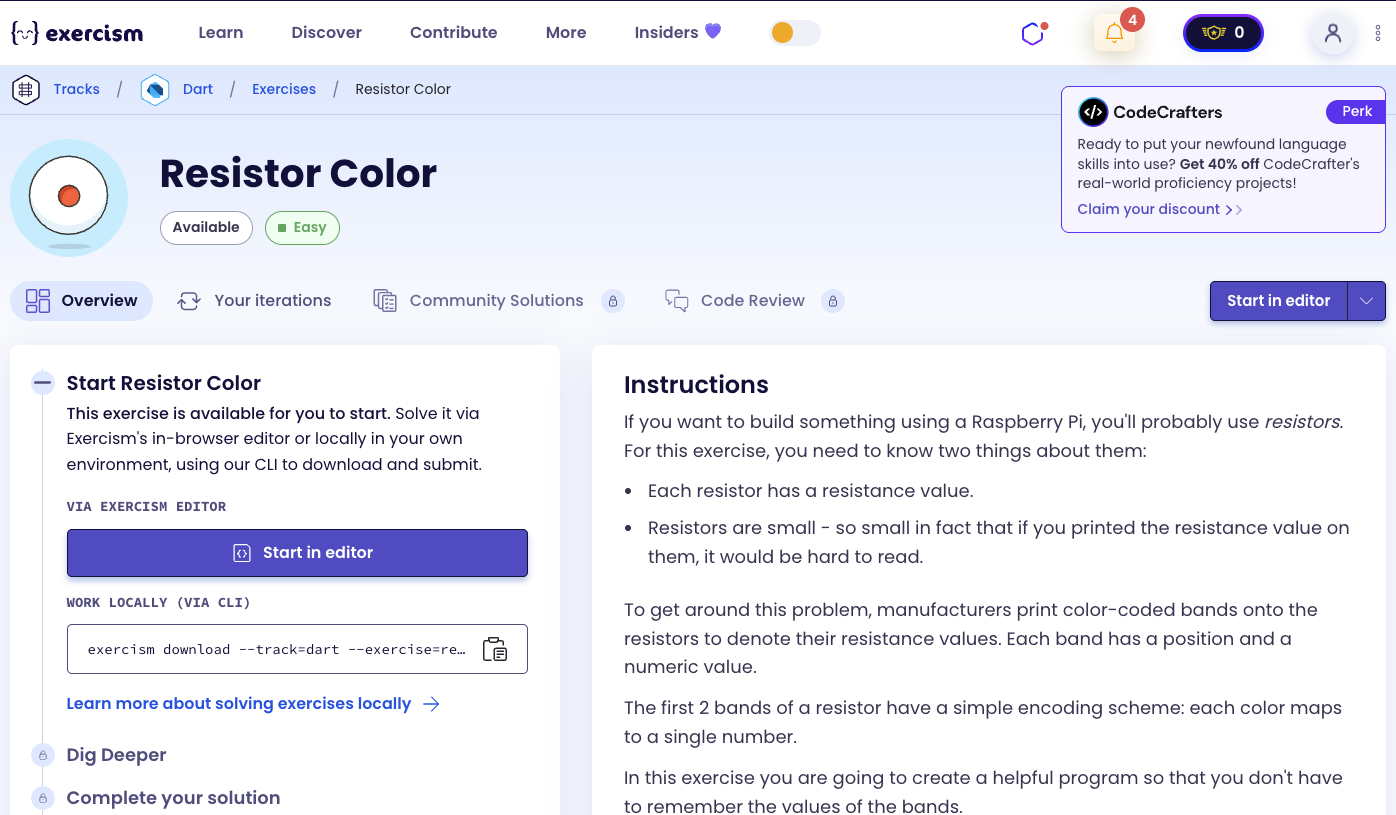
If you want to build something using a Raspberry Pi, you’ll probably use resistors. For this exercise, you need to know two things about them:
- Each resistor has a resistance value.
- Resistors are small - so small in fact that if you printed the resistance value on them, it would be hard to read.
To get around this problem, manufacturers print color-coded bands onto the resistors to denote their resistance values. Each band has a position and a numeric value.
The first 2 bands of a resistor have a simple encoding scheme: each color maps to a single number.
In this exercise you are going to create a helpful program so that you don’t have to remember the values of the bands.
Color Encoding
These colors are encoded as follows:
- black: 0
- brown: 1
- red: 2
- orange: 3
- yellow: 4
- green: 5
- blue: 6
- violet: 7
- grey: 8
- white: 9
Task
The goal of this exercise is to create a way:
- to look up the numerical value associated with a particular color band
- to list the different band colors
Mnemonic
Mnemonics map the colors to the numbers, that, when stored as an array, happen to map to their index in the array: Better Be Right Or Your Great Big Values Go Wrong.
More information on the color encoding of resistors can be found in the Electronic color code Wikipedia article.
What is a resistor color code?
The electronic color code is used to indicate the values or ratings of electronic components, usually for resistors, but also for capacitors, inductors, diodes and others. A separate code, the 25-pair color code, is used to identify wires in some telecommunications cables. Different codes are used for wire leads on devices such as transformers or in building wiring.
— Wikipedia
How can we map colors to numbers?
To map colors to numbers:
- Store colors in a list: Create a list where each color is at an index that matches its numeric value
- Use index as value: Since the colors are ordered correctly, the index of a color in the list IS its numeric value
- Look up values: Use
indexOf()to find the index (which is the value) of a given color
The key insight is that by storing colors in order (black at index 0, brown at index 1, etc.), we can use the list index as the color’s numeric value. This eliminates the need for a separate map or dictionary.
For example:
colors = ['black', 'brown', 'red', ...]colors.indexOf('black')returns 0 (the value)colors.indexOf('brown')returns 1 (the value)colors.indexOf('red')returns 2 (the value)
Solution
class ResistorColor {
  var colors = [
    'black',
    'brown',
    'red',
    'orange',
    'yellow',
    'green',
    'blue',
    'violet',
    'grey',
    'white'
  ];

  int colorCode(String selectedColor) => colors.indexOf(selectedColor);
}
Let’s break down the solution:
-
class ResistorColor- Defines a class for resistor color operations:- Encapsulates the color data and lookup functionality
-
var colors = [...]- Stores all resistor colors in order:- Uses
varfor type inference (Dart infersList<String>) - Colors are ordered from 0 to 9:
- Index 0: ‘black’ (value 0)
- Index 1: ‘brown’ (value 1)
- Index 2: ‘red’ (value 2)
- Index 3: ‘orange’ (value 3)
- Index 4: ‘yellow’ (value 4)
- Index 5: ‘green’ (value 5)
- Index 6: ‘blue’ (value 6)
- Index 7: ‘violet’ (value 7)
- Index 8: ‘grey’ (value 8)
- Index 9: ‘white’ (value 9)
- The list itself can be accessed to get all colors
- Uses
-
int colorCode(String selectedColor) => colors.indexOf(selectedColor)- Looks up the numeric value of a color:- Uses expression-bodied method syntax (
=>) - Takes a color name as input
- Uses
indexOf()to find the position of the color in the list - Returns the index, which is the numeric value
- Example:
colorCode('red')returns 2
- Uses expression-bodied method syntax (
The solution elegantly uses the list index as the color value, making the code simple and efficient. The mnemonic “Better Be Right Or Your Great Big Values Go Wrong” helps remember the order: Black, Brown, Red, Orange, Yellow, Green, Blue, Violet, Grey, White.
You can watch this tutorial on YouTube. So don’t forget to like and subscribe. 😉
Watch on YouTube