Exercism - Binary Search Tree
This post shows you how to get Binary Search Tree exercise of Exercism.

Preparation
Before we click on our next exercise, let’s see what concepts of DART we need to consider
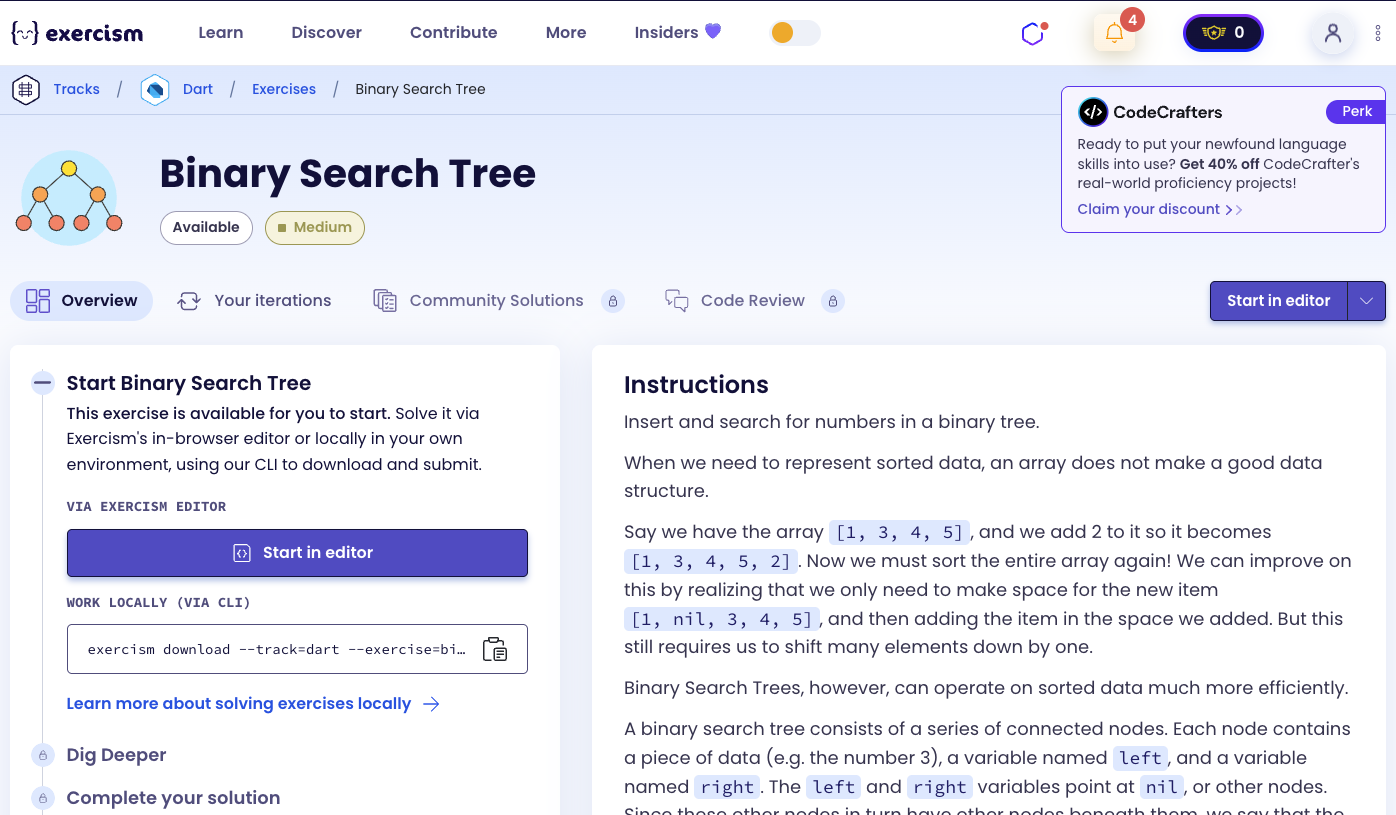
So we need to use the following concepts.
Classes and Objects
Classes define blueprints for creating objects. Objects are instances of classes that contain data (fields) and behavior (methods).
class Node {
  final String data;
  Node? left;
  Node? right;

  Node(this.data);
}

void main() {
  // Create a node
  Node node = Node('4');
  print(node.data); // '4'

  // Set child nodes
  node.left = Node('2');
  node.right = Node('6');

  print(node.left?.data); // '2'
  print(node.right?.data); // '6'
}
Nullable Types
Nullable types allow variables to hold either a value or null. The ? suffix indicates that a type is nullable.
void main() {
  // Nullable type
  Node? leftChild;

  // Can be null
  print(leftChild); // null

  // Can be assigned a Node
  leftChild = Node('2');
  print(leftChild.data); // '2'

  // Null check
  if (leftChild != null) {
    print(leftChild.data);
  }

  // Null-aware access
  print(leftChild?.data); // '2' (returns null if leftChild is null)
}
Late Initialization
The late keyword allows you to declare a variable that will be initialized later, but before it’s used. late final means it can only be assigned once.
class BinarySearchTree {
  late final Node root;

  BinarySearchTree(String data) : root = Node(data);

  // root is initialized in the constructor
  // It's final, so it can't be reassigned
  // It's late, so we don't need to initialize it at declaration
}
Recursion
Recursion is when a function calls itself. It’s essential for tree operations like insertion and traversal.
void insert(Node node, String value) {
  // Base case: found empty spot
  if (node.left == null) {
    node.left = Node(value);
    return;
  }

  // Recursive case: continue searching
  insert(node.left!, value);
}

void traverse(Node? node) {
  // Base case: null node
  if (node == null) return;

  // Recursive case: process left, current, right
  traverse(node.left);
  print(node.data);
  traverse(node.right);
}
Binary Search Tree Properties
A binary search tree has the property that:
- All values in the left subtree are less than or equal to the current node’s value
- All values in the right subtree are greater than the current node’s value
void main() {
  // Example tree structure:
  //       4
  //     /   \
  //    2     6
  //   / \   / \
  //  1   3 5   7

  // For node 4:
  // Left subtree (2, 1, 3): all <= 4
  // Right subtree (6, 5, 7): all > 4

  // For node 2:
  // Left subtree (1): all <= 2
  // Right subtree (3): all > 2
}
In-Order Traversal
In-order traversal visits nodes in sorted order: left subtree → current node → right subtree. This produces the values in ascending order.
List<String> inOrder(Node? node) {
  if (node == null) return [];

  // Visit left, then current, then right
  return [
    ...inOrder(node.left),  // Left subtree
    node.data,              // Current node
    ...inOrder(node.right)  // Right subtree
  ];
}

// Example: tree with root 4, left 2, right 6
// Result: [1, 2, 3, 4, 5, 6, 7] (sorted order)
Spread Operator
The spread operator (...) expands a list into individual elements. It’s useful for combining lists.
void main() {
  List<int> left = [1, 2, 3];
  int current = 4;
  List<int> right = [5, 6, 7];

  // Combine lists using spread
  List<int> combined = [...left, current, ...right];
  print(combined); // [1, 2, 3, 4, 5, 6, 7]

  // In tree traversal
  List<String> result = [
    ...inOrder(node.left),  // [1, 2, 3]
    node.data,              // '4'
    ...inOrder(node.right)  // [5, 6, 7]
  ];
  // Result: [1, 2, 3, 4, 5, 6, 7]
}
Conditional Expressions
The ternary operator (? :) provides a concise way to write if-else statements. It’s useful for choosing between two values.
void main() {
  int value = 3;
  int nodeData = 4;

  // Choose left or right based on comparison
  bool goLeft = value <= nodeData;
  Node? target = goLeft ? node.left : node.right;

  // Conditional assignment
  if (goLeft) {
    node.left = Node('3');
  } else {
    node.right = Node('3');
  }

  // Or using ternary
  goLeft ? node.left = Node('3') : node.right = Node('3');
}
Integer Parsing
The int.parse() method converts a string to an integer. It’s needed when comparing string representations of numbers.
void main() {
  String value = "3";
  String nodeData = "4";

  // Parse strings to compare numerically
  int valueInt = int.parse(value);
  int dataInt = int.parse(nodeData);

  // Compare
  bool isLessOrEqual = valueInt <= dataInt;
  print(isLessOrEqual); // true

  // Direct comparison in condition
  if (int.parse(value) <= int.parse(nodeData)) {
    print('Go left');
  }
}
Comparison Operators
Comparison operators (<=, >, ==, etc.) compare values and return boolean results.
void main() {
  int a = 3;
  int b = 4;

  // Less than or equal
  print(a <= b); // true

  // Greater than
  print(a > b); // false

  // Equal
  print(a == b); // false

  // Used in tree insertion
  bool goLeft = int.parse(value) <= int.parse(node.data);
}
Introduction
Insert and search for numbers in a binary tree.
When we need to represent sorted data, an array does not make a good data structure.
Say we have the array [1, 3, 4, 5], and we add 2 to it so it becomes [1, 3, 4, 5, 2]. Now we must sort the entire array again! We can improve on this by realizing that we only need to make space for the new item [1, nil, 3, 4, 5], and then adding the item in the space we added. But this still requires us to shift many elements down by one.
Binary Search Trees, however, can operate on sorted data much more efficiently.
A binary search tree consists of a series of connected nodes. Each node contains a piece of data (e.g. the number 3), a variable named left, and a variable named right. The left and right variables point at nil, or other nodes. Since these other nodes in turn have other nodes beneath them, we say that the left and right variables are pointing at subtrees. All data in the left subtree is less than or equal to the current node’s data, and all data in the right subtree is greater than the current node’s data.
Example
For example, if we had a node containing the data 4, and we added the data 2, our tree would look like this:
      4
     /
    2
If we then added 6, it would look like this:
      4
     / \
    2   6
If we then added 3, it would look like this:
       4
     /   \
    2     6
     \
      3
And if we then added 1, 5, and 7, it would look like this:
          4
        /   \
       /     \
      2       6
     / \     / \
    1   3   5   7
What is a Binary Search Tree?
A binary search tree (BST) is a binary tree data structure where each node has at most two children, and the values are organized such that for any node, all values in its left subtree are less than or equal to the node’s value, and all values in its right subtree are greater than the node’s value. This property allows for efficient insertion, deletion, and search operations with average time complexity of O(log n).
— Computer Science
How can we implement a Binary Search Tree?
To implement a binary search tree:
- Create a Node class: Each node stores data and has nullable left and right child references
- Create a Tree class: The tree has a root node and methods to insert and retrieve data
- Insert recursively:
- Compare the new value with the current node
- If less than or equal, go left; otherwise, go right
- If the target child is null, create a new node there
- Otherwise, recursively insert into that subtree
- In-order traversal: Visit left subtree, then current node, then right subtree to get sorted data
The key insight is using recursion to navigate the tree structure, always maintaining the BST property that left values ≤ current < right values.
Solution
class Node {
  final String data;
  Node? left;
  Node? right;

  Node(this.data);
}

class BinarySearchTree {
  late final Node root;

  BinarySearchTree(String data) : root = Node(data);

  void insert(String value) => _insert(root, value);

  void _insert(Node node, String value) {
    final goLeft = int.parse(value) <= int.parse(node.data);
    final target = goLeft ? node.left : node.right;

    if (target == null) {
      goLeft ? node.left = Node(value) : node.right = Node(value);
    } else {
      _insert(target, value);
    }
  }

  List<String> get sortedData => _inOrder(root);

  List<String> _inOrder(Node? node) => node == null
      ? []
      : [..._inOrder(node.left), node.data, ..._inOrder(node.right)];
}
Let’s break down the solution:
-
class Node- Represents a node in the binary tree:final String data- The value stored in the node (immutable)Node? left- Nullable reference to the left childNode? right- Nullable reference to the right childNode(this.data)- Constructor that initializes the data
-
class BinarySearchTree- Represents the binary search tree:late final Node root- The root node, initialized later in the constructorBinarySearchTree(String data)- Constructor that creates the root node with the given data
-
void insert(String value)- Public method to insert a value:- Calls the private recursive
_insert()method starting from the root - Uses expression-bodied method syntax (
=>)
- Calls the private recursive
-
void _insert(Node node, String value)- Private recursive method for insertion:goLeft: Determines direction by comparing values (≤ goes left, > goes right)target: Gets the appropriate child node (left or right)- Base case: If
targetis null, create a new node in that position - Recursive case: If
targetexists, recursively insert into that subtree - Maintains BST property: left ≤ current < right
-
List<String> get sortedData- Getter that returns sorted data:- Calls the private
_inOrder()method starting from the root - Returns the values in ascending order
- Calls the private
-
List<String> _inOrder(Node? node)- Private recursive in-order traversal:- Base case: If node is null, return empty list
- Recursive case:
- Visit left subtree:
_inOrder(node.left) - Add current node:
node.data - Visit right subtree:
_inOrder(node.right)
- Visit left subtree:
- Uses spread operator (
...) to combine the three parts into one list - Returns values in sorted order (left → current → right)
The solution efficiently maintains a sorted data structure by using the BST property and recursive algorithms for insertion and traversal.
A video tutorial for this exercise is coming soon! In the meantime, check out my YouTube channel for more Dart and Flutter tutorials. 😉
Visit My YouTube Channel